 WhySlow
What is coreaudiod on Mac, and why is it using so much CPU?
coreaudiod is a macOS system process that handles all sound coming in and out of your Mac.
| Shown in Activity Monitor as | coreaudiod |
|---|---|
| Made by | Apple, part of macOS |
| WhySlow's verdict | Leave it |
See what’s slowing your Mac right now: download WhySlow free. One-click fixes cost $10, once or yearly.
Why is coreaudiod using so much CPU?
Busy while audio plays or records, especially with several apps or audio plug-ins at once.
What coreaudiod does
coreaudiod mixes sound from every app, sends it to your speakers or headphones and brings microphone input to apps. Several apps playing audio, video calls, audio plug-ins and Bluetooth headphones all add work. Restarting the Mac resets it if sound crackles or stops.
Should you quit coreaudiod?
No. coreaudiod is part of macOS. Quitting it can break things, and macOS starts it again anyway. When it is busy, it usually calms down once its work is done.
Is coreaudiod a virus?
The name coreaudiod alone can't prove a process is genuine, and this page isn't a security scan. Check where it runs from: genuine macOS processes run from system folders such as /System/Library and /usr/libexec. In Activity Monitor, double-click coreaudiod and choose Open Files and Ports to see its location. If it appeared right after you installed something unexpected, don't grant it more permissions, and ask the software vendor or Apple Support.
How to check coreaudiod on your Mac
Open Activity Monitor (Applications › Utilities), choose the CPU tab and type coreaudiod in the search field. The % CPU column shows how busy it is: 100% means one full processor core. Watch it for a minute while you repeat the task that felt slow.
What to do if coreaudiod stays busy
- Compare the activity with what you are doing: installing updates, syncing files and starting apps can all create temporary background work.
- If coreaudiod stays busy and the Mac remains slow, save your work and restart when convenient. Compare the same task afterward; a restart is a diagnostic step, not a guaranteed fix.
- Keep macOS up to date: Apple fixes runaway background processes in updates.
How WhySlow helps with coreaudiod
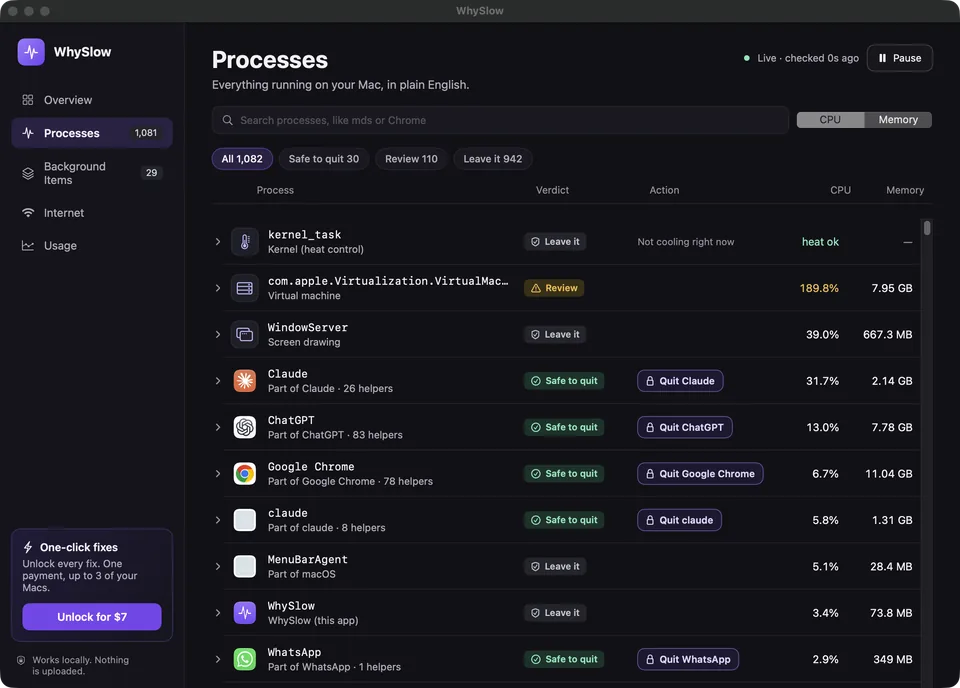
- Shows how much CPU and memory coreaudiod is using right now, in plain English.
Free to explain. One-click fixes cost $10, once or yearly.
Sources
The process description comes from WhySlow’s app catalog. Diagnosis depends on your workload and the version of macOS or the app you use. For an unfamiliar process, start with Apple’s guide to inspecting processes and reading CPU activity.
Need a broader starting point? Follow the slow Mac checklist or learn about memory pressure.